 minipic.me
Kawaii chibi avatar maker
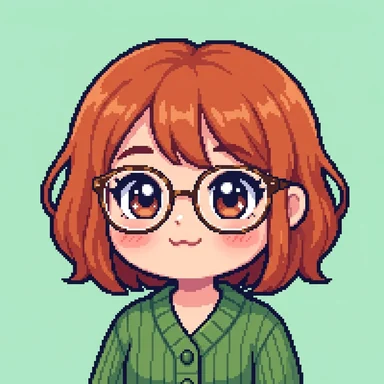
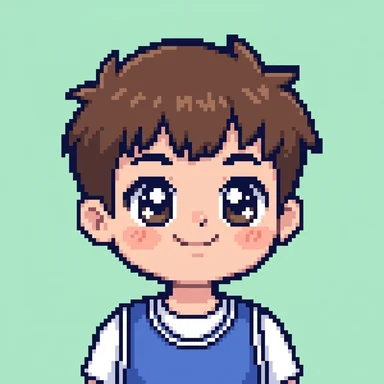
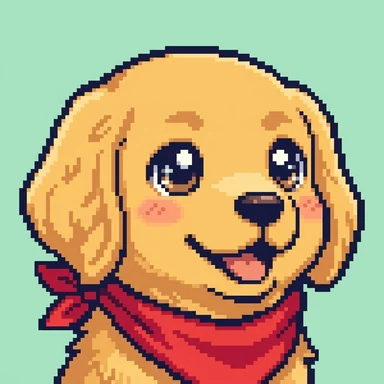
Big sparkly eyes, a round little face and soft pastel pixels: the cute chibi version of you, your cat or anything you can describe.
From a selfie or a sentence, in about ten seconds. No card needed.
Kawaii examples
Each of these was drawn from one line of text, shown under it. Type your own, or add a selfie instead.
What makes it Kawaii
Chibi proportions
A big round head and a tiny body, the classic super-deformed look.
Sparkly eyes
Oversized glossy eyes with bright highlights do most of the talking.
Pastel pixel art
Soft candy colours on a crisp pixel grid, cute at any size.
Pets welcome
Dogs, cats and bunnies come out especially well.
How to make one
- Pick Kawaii. The button on this page opens minipic.me with Kawaii already chosen.
- Add a selfie or a sentence. One face in good light, looking at the camera, works best. Or describe anyone (or anything) in a few words.
- Keep it. Download PNG or WebP from 64 to 1024 pixels, with the background kept or cut out to transparent, or tweak it ("add a red scarf").
Great for
- Discord, Twitch and TikTok profile pictures
- Matching couple and best-friend avatars
- Pet portraits
- Stickers and emoji for your server
- VTuber-style placeholders
Questions
Can I make matching avatars for two people?
Yes. Draw each person separately in Kawaii with the same backdrop colour, and they will look like a matching pair.
Does it work for pets?
Very well. Upload a clear photo of your pet, or describe them ("fluffy white bunny with one floppy ear").
Is it free?
Your first two avatars are free, no card needed. After that, your first pack is $5 for 12 avatars, then packs start at $9 for 20, and credits never expire.
Do you keep my photo?
A photo you add to draw once is used for that drawing and not kept. Photos you save in People are kept privately until you delete them or your account.
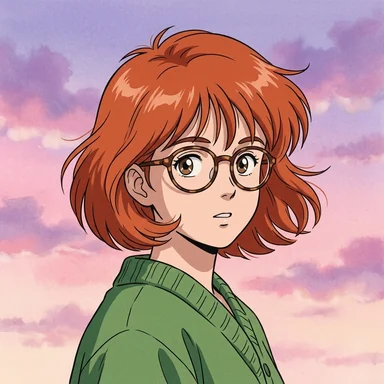 Anime
Anime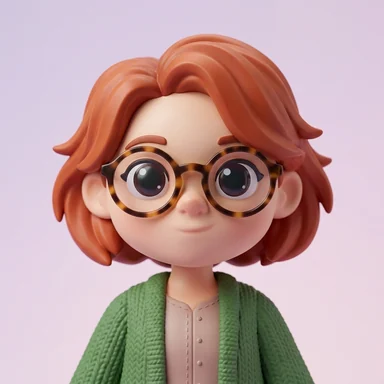 Toy
Toy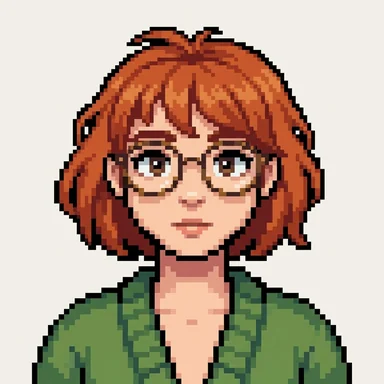 8-bit
8-bit